Hinge
Prints standing, already assembled. Opens to 90° or flat to 180°.
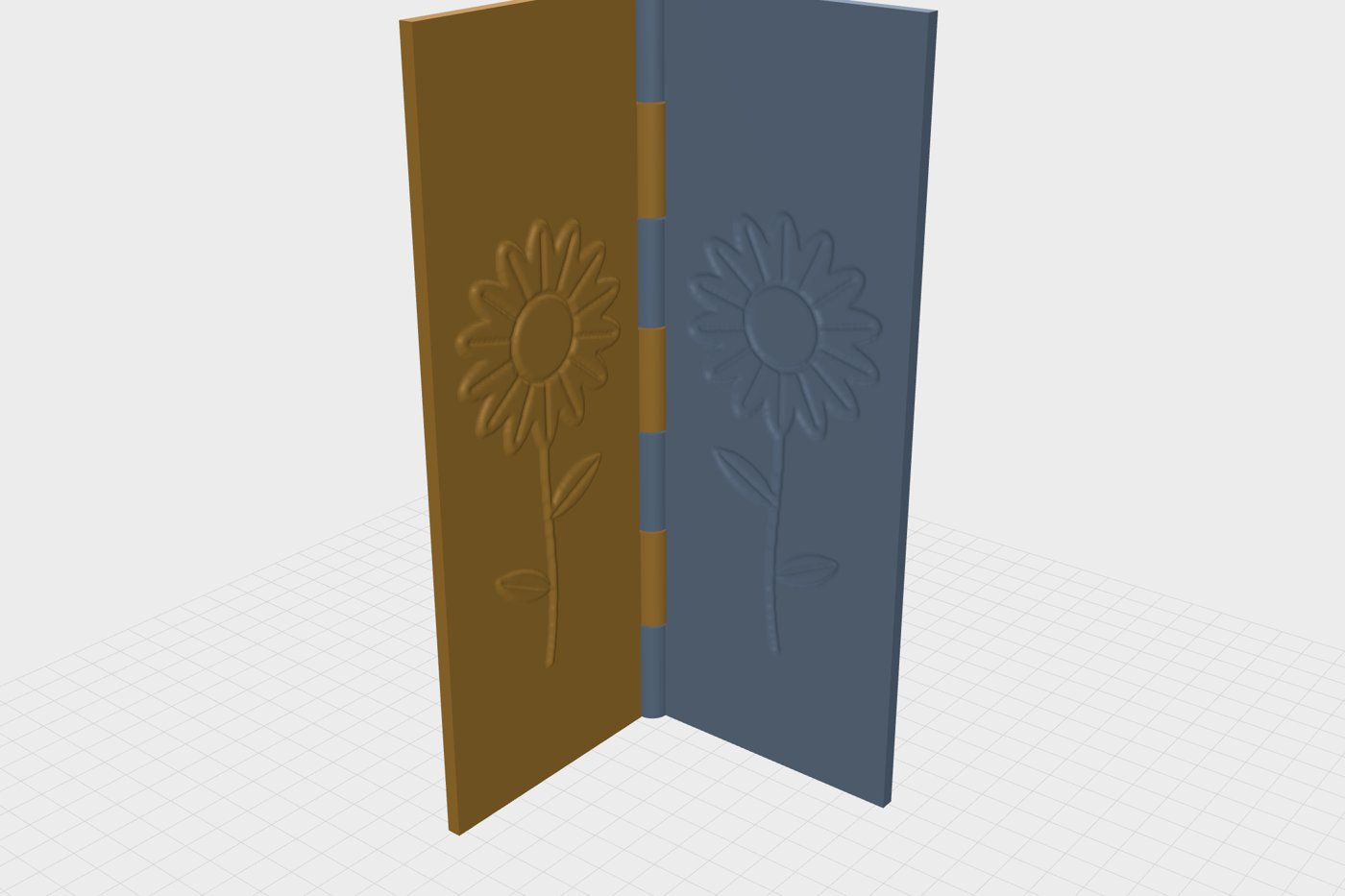
Your picture, pressed into paper.
Turn a photo, a drawing or a word into a two-part stamp you print at home.
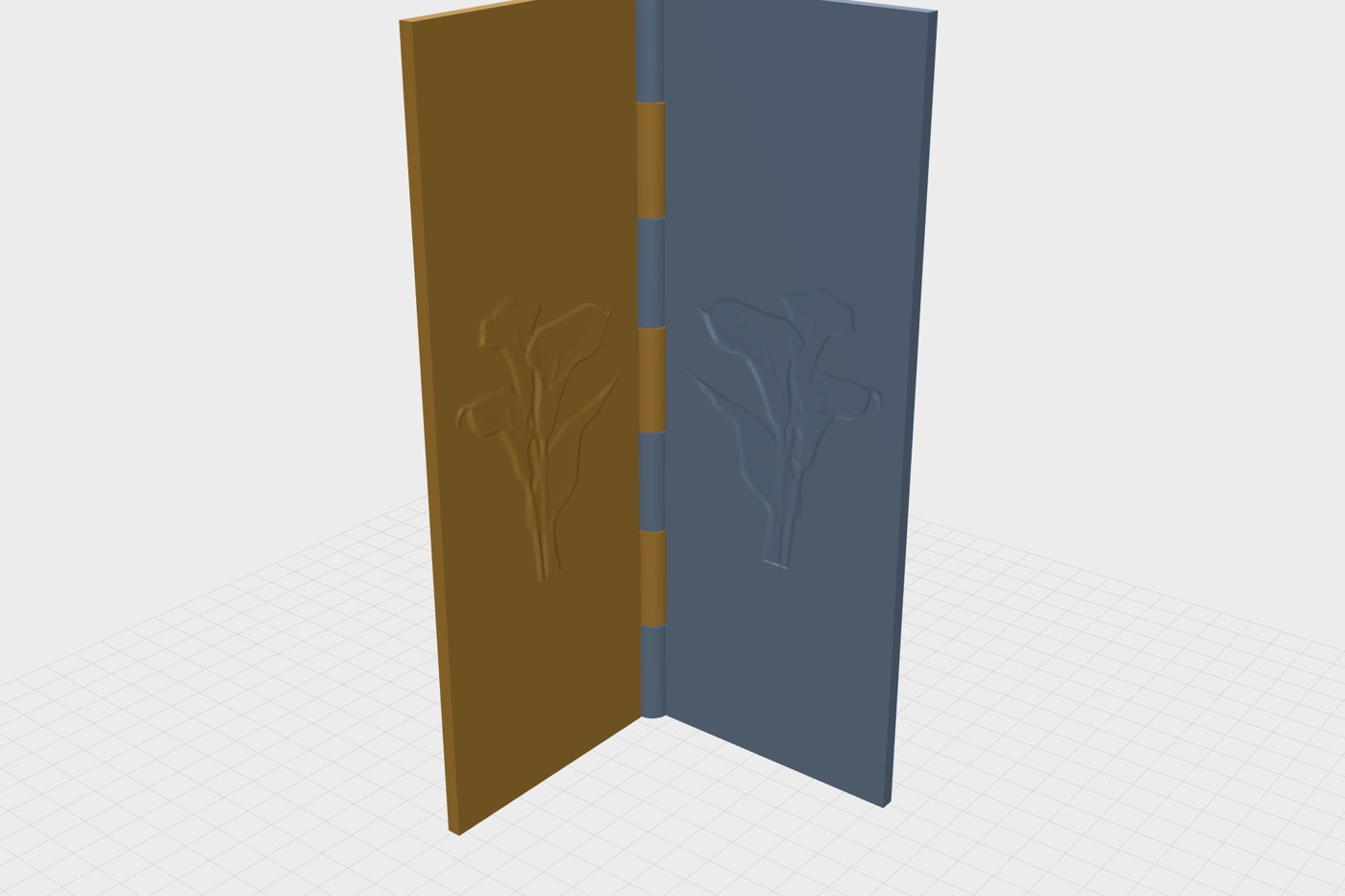
Pick a motif or type a word, then drag across the paper to move the light.
A quick preview: it raises the dark tones. In the workshop an AI reads the real depth of a photo.
Every stamp comes out as a positive and a negative that close on each other.
Prints standing, already assembled. Opens to 90° or flat to 180°.
For roller machines. The design runs right up to the paper stops.
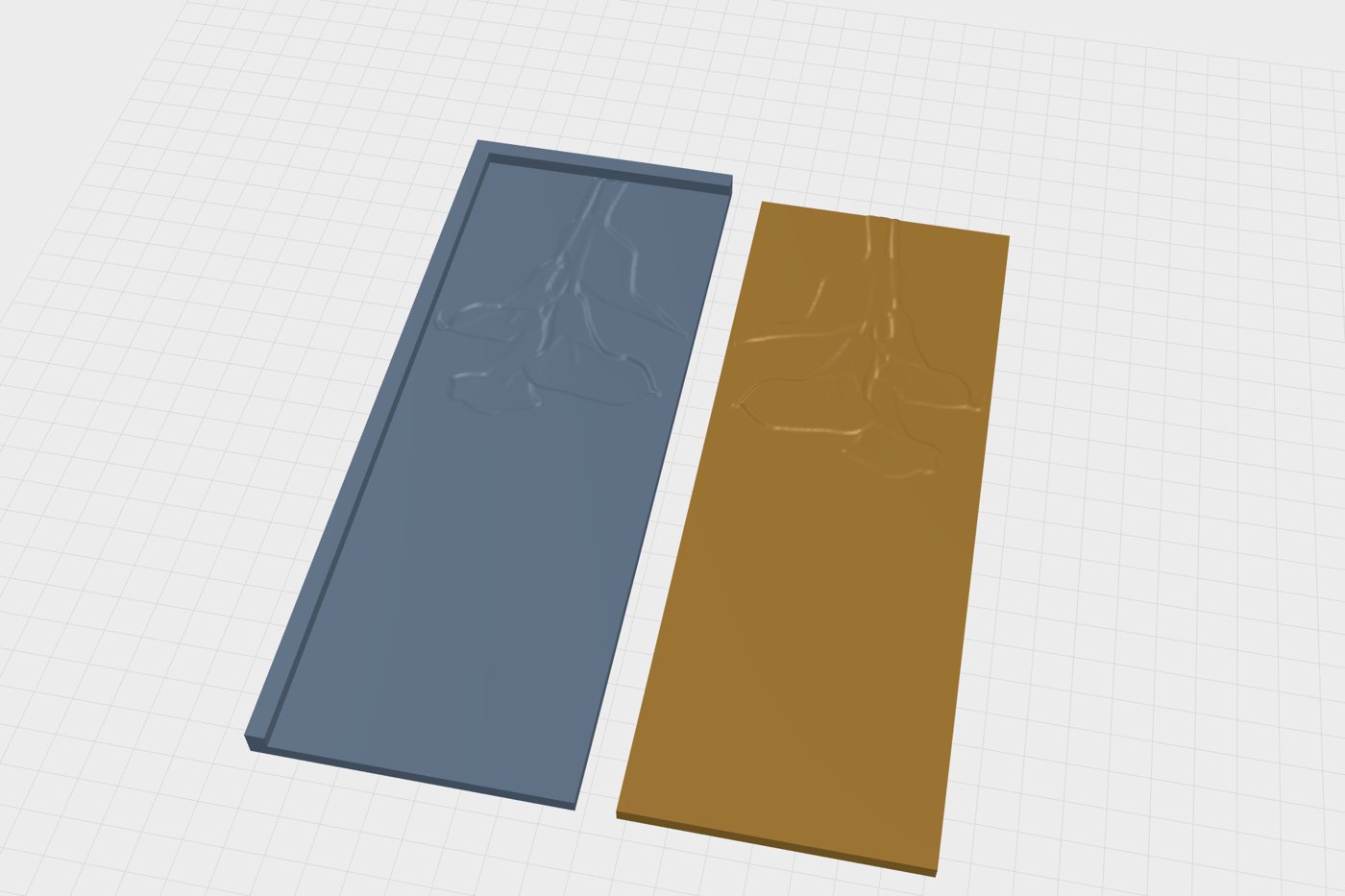
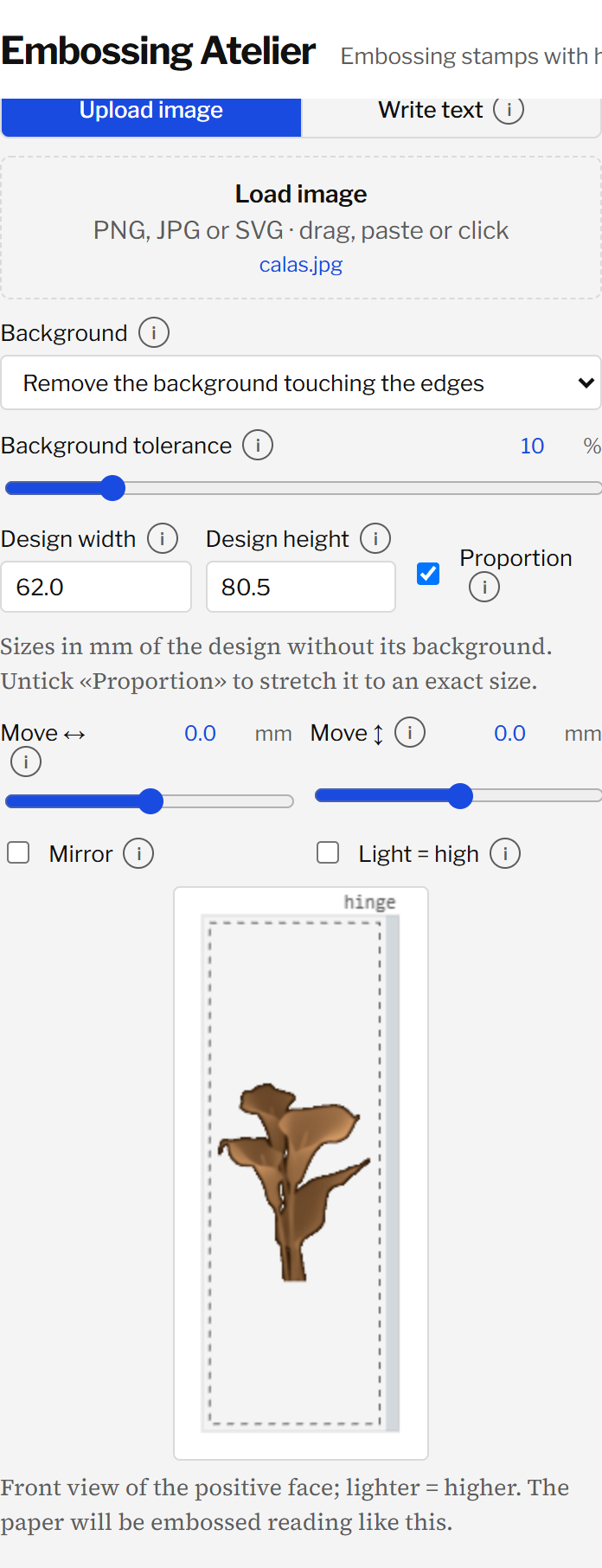
A photo, a PNG or SVG drawing, or a line of text in one of six typefaces. Remove the background with one click.
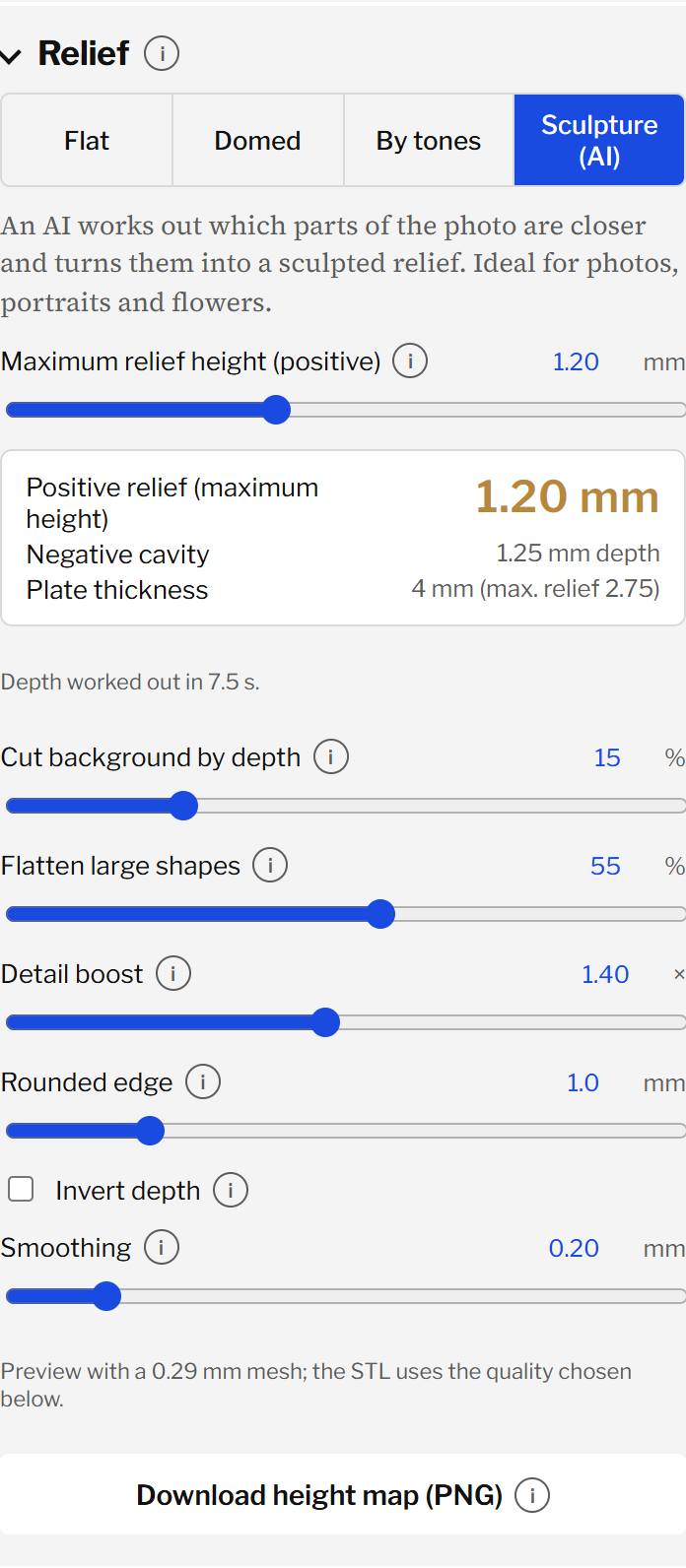
Flat, domed, stepped by tones, or sculpted by AI. Watch the 3D model change as you drag.
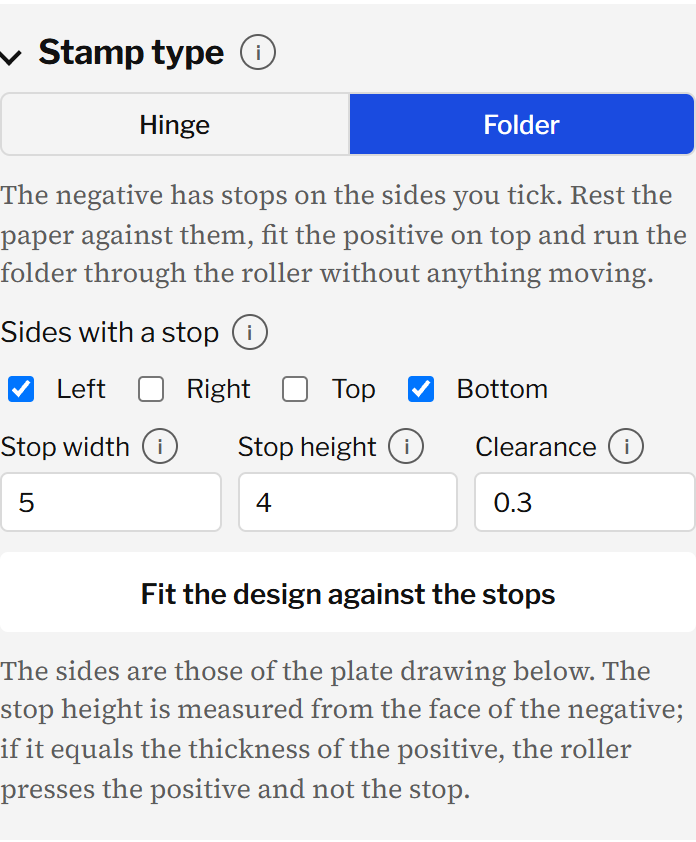
A hinge you press by hand or a folder for the roller, at any size up to 320 × 200 mm.
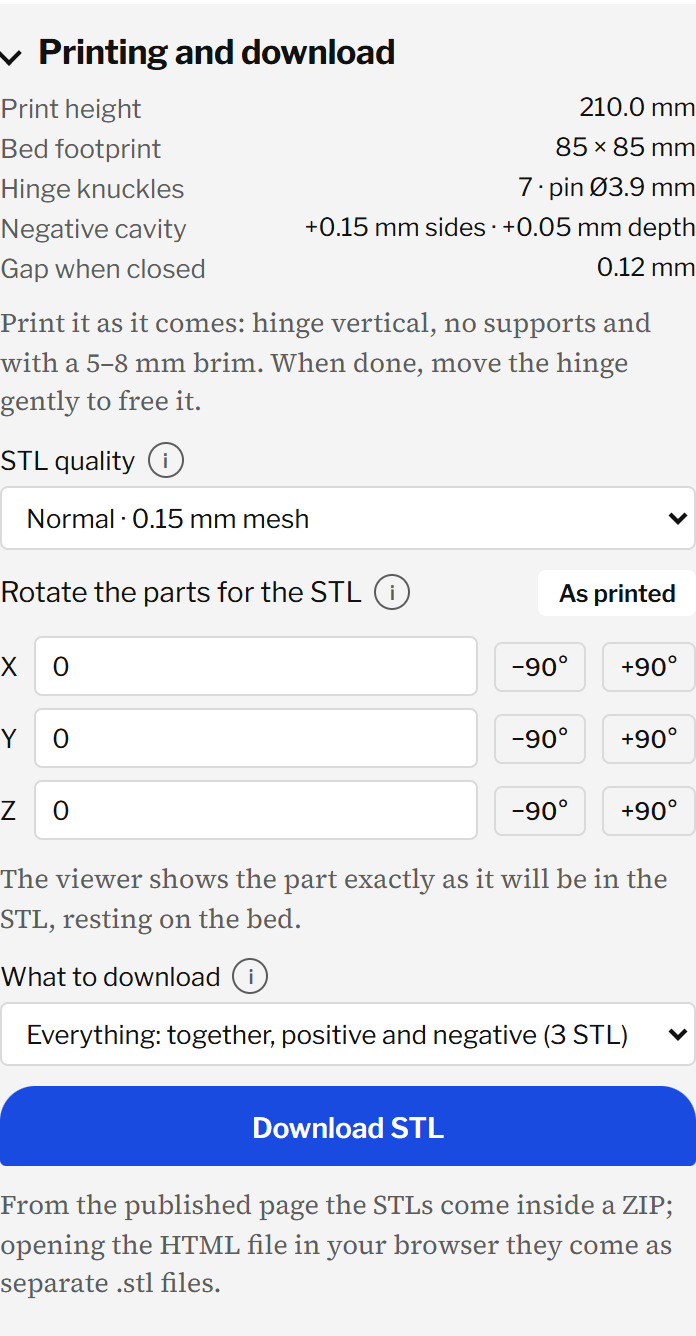
Pick the paper and download a 3MF for Bambu Studio, already oriented, with 6 walls and 35% infill set.
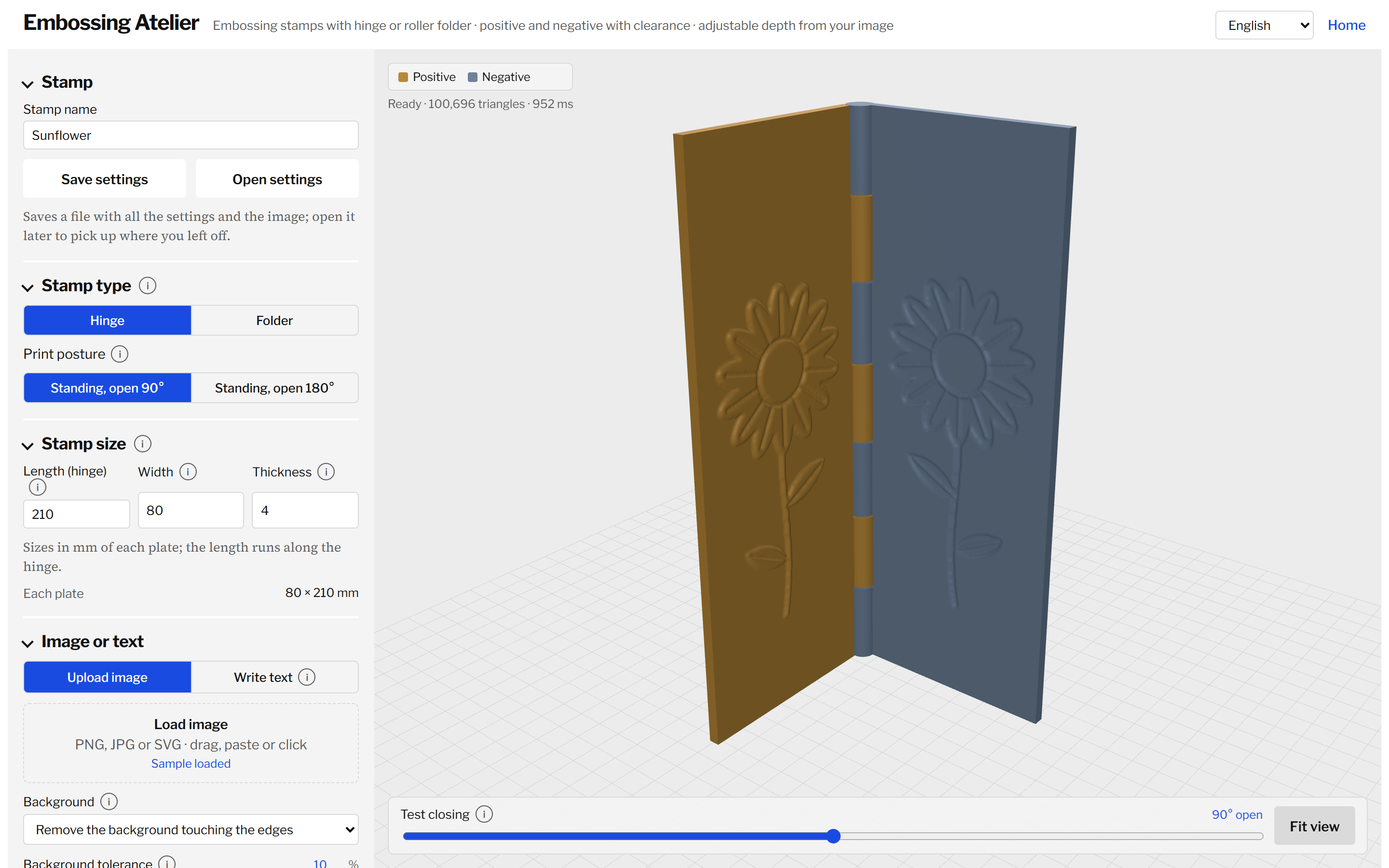
Design on the left, the live 3D model on the right. Test the closing before you print.
Yes. The workshop runs entirely in your browser, with no account. Your pictures never leave your computer.
Yes. The workshop opens in Simple mode: upload a picture or type a word, choose hinge or folder and the size, and download. Switch to Advanced when you want to control every millimetre.
A 3D printer that prints PLA or PETG, and paper or card. The folder also needs a roller embossing machine; the hinge works by hand.
The paper thickness, the same all around the relief. The workshop sets it from the material: 0.12 mm for 80–120 g paper, 0.35 mm for 300 g card. More than that and fine detail will not press.
With 6 walls and 35% infill, so the stamp does not give way under pressure. Download the 3MF for Bambu Studio and both are already set; open it and print. The hinge stands with its axis vertical and needs no supports; folder plates lie flat, face up.
Yes. Choose Sculpture (AI): a depth model works out what is near and what is far, even white flowers on a white background. It downloads about 50 MB the first time.
Up to 320 × 200 mm. A 210 mm hinge prints 210 mm tall, so check your printer's height; folder plates can be printed one at a time.